




Plan trips with friends.
Save places from TikTok or Instagram, vote with friends, and explore everything on a beautiful map.


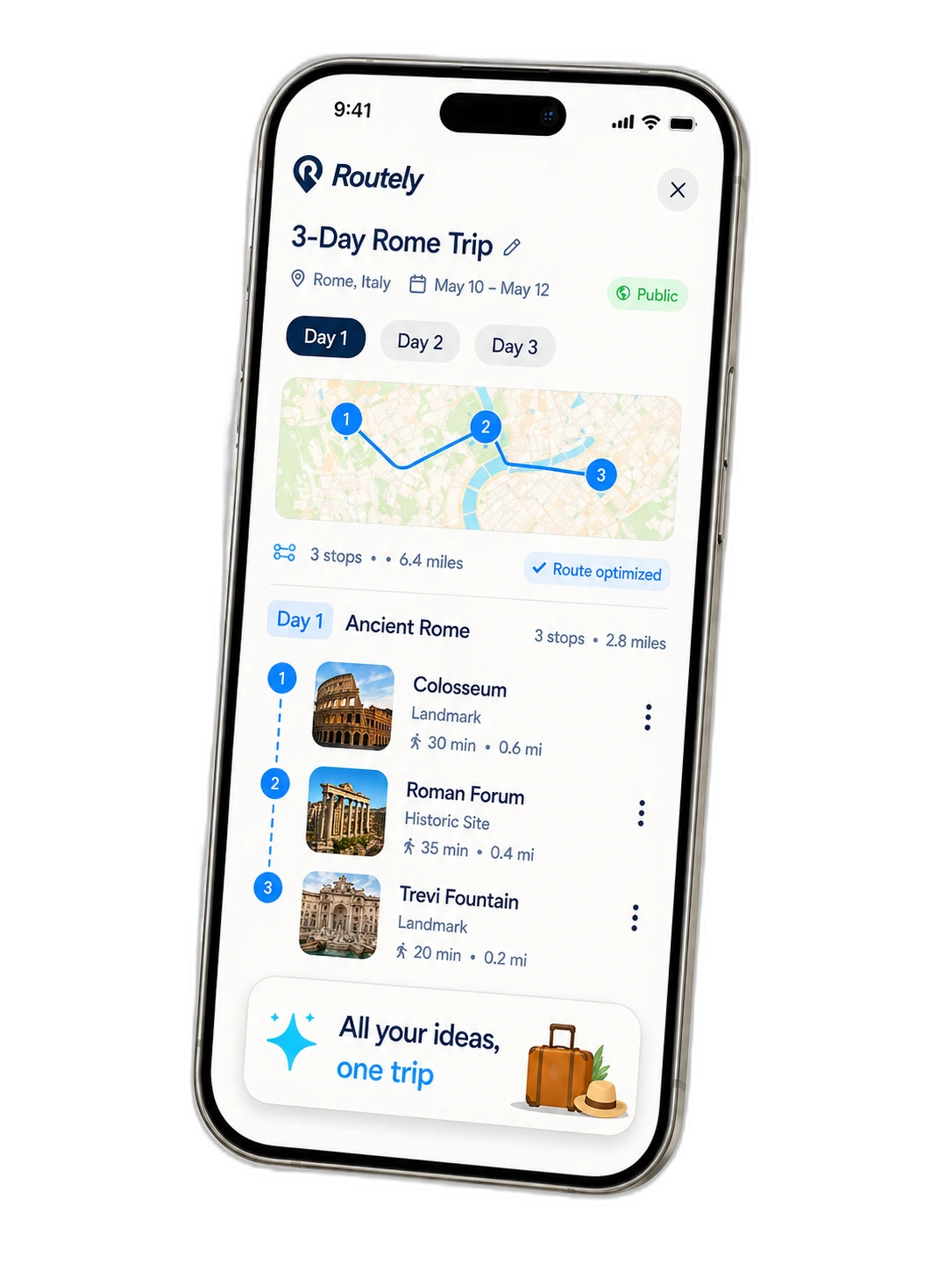
See how Routely works
From creating a trip to exploring the map, here's how easy it is.
Create a Trip
Start a new trip in seconds. Pick your destination, set your dates, and you're ready to go.
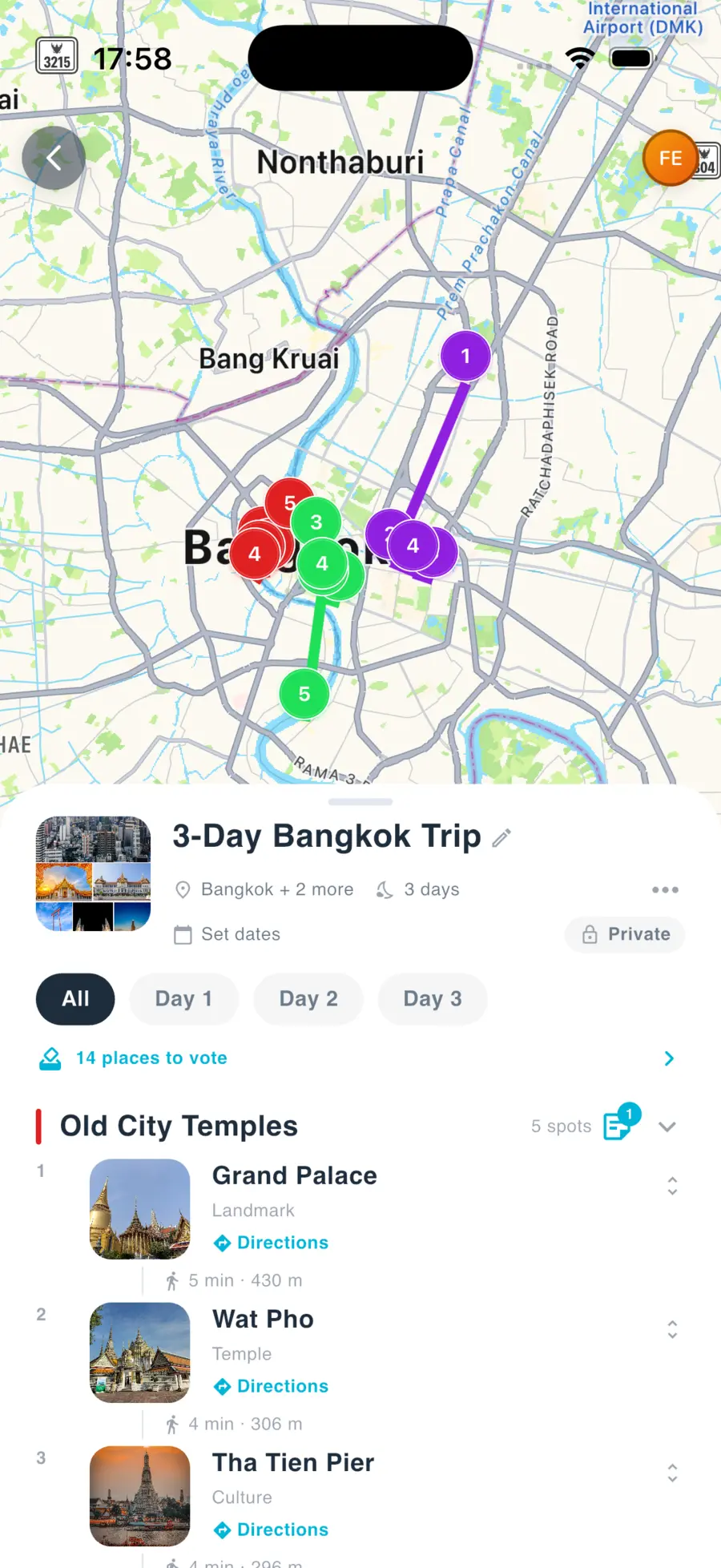
Invite Friends
Share an invite link so everyone can join. See who's in and start collaborating instantly.
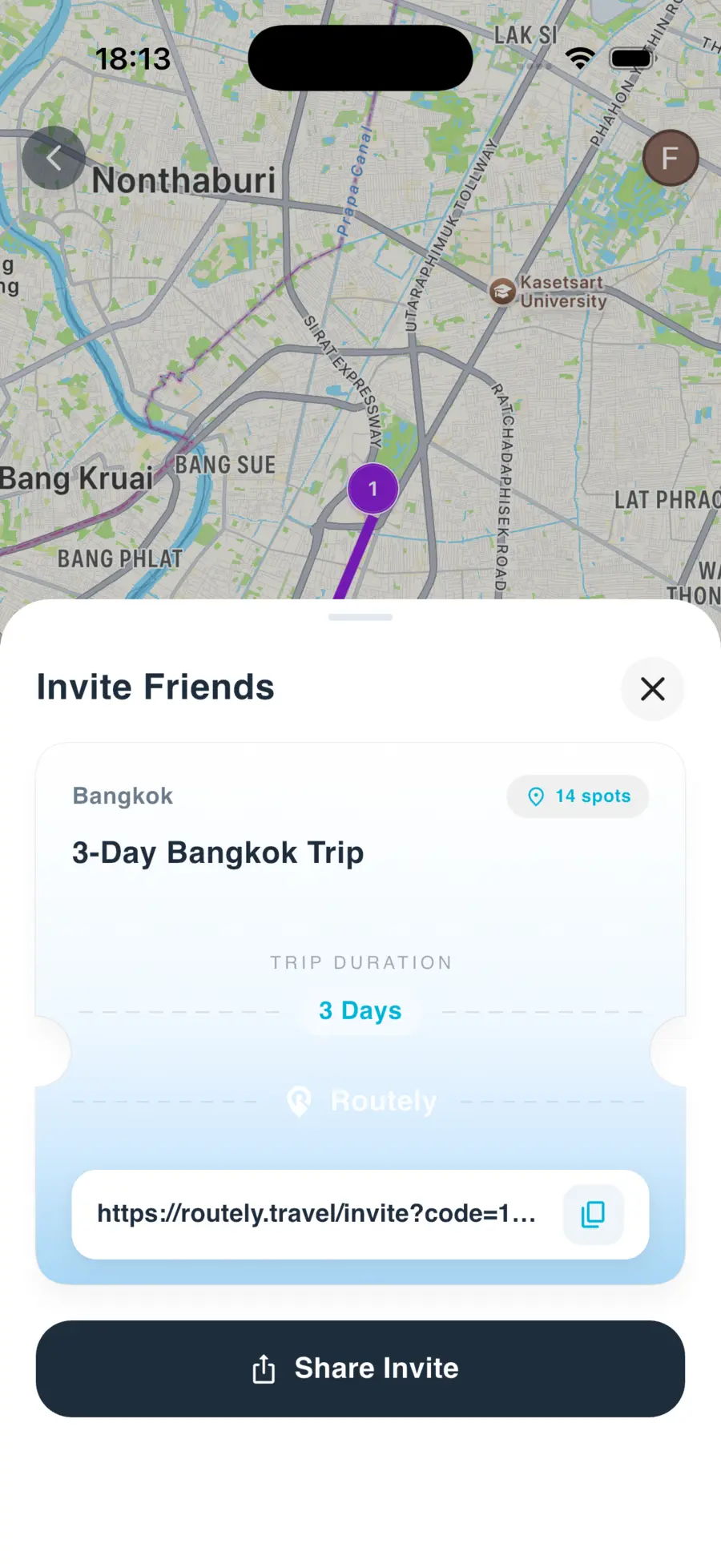
Save Places
Paste a TikTok or Instagram link and Routely extracts the place. Or add spots manually.
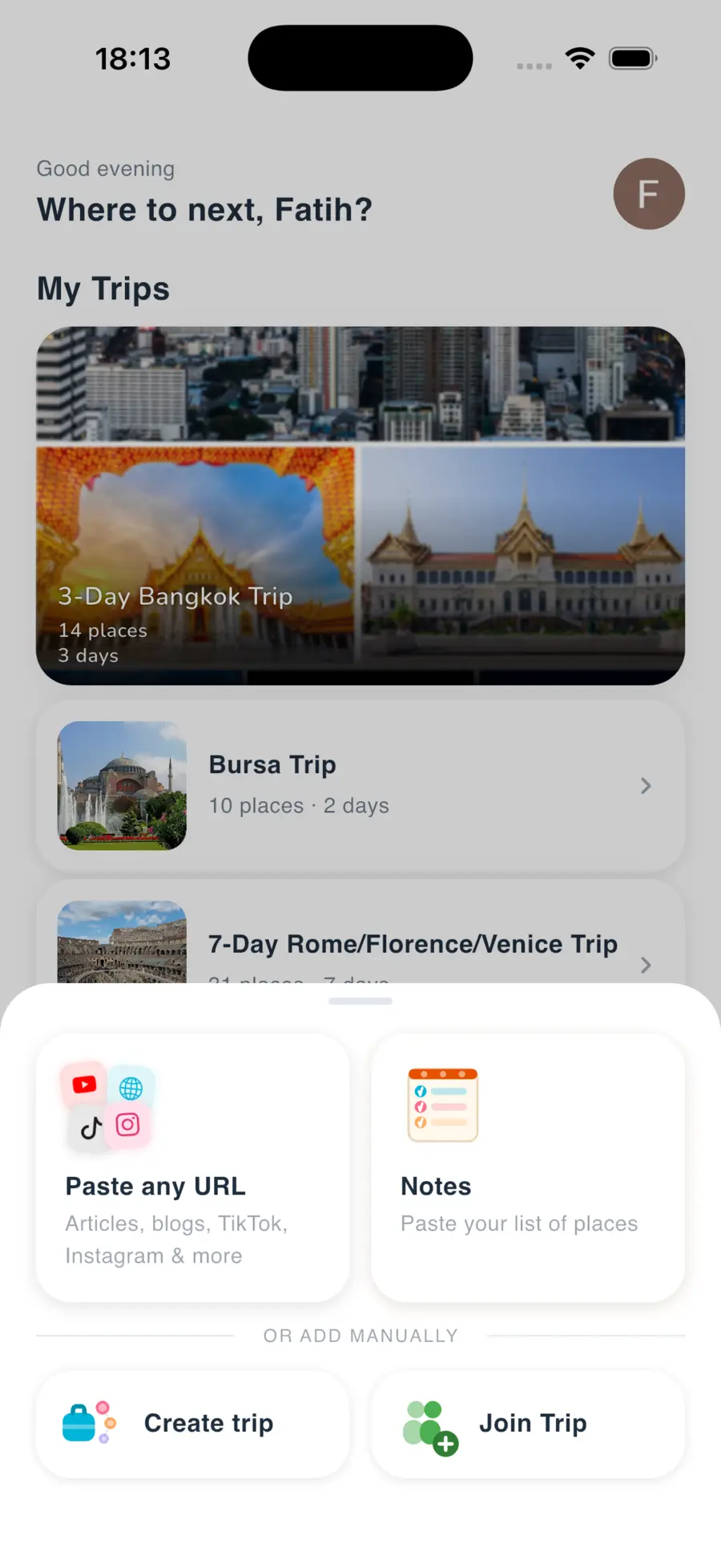
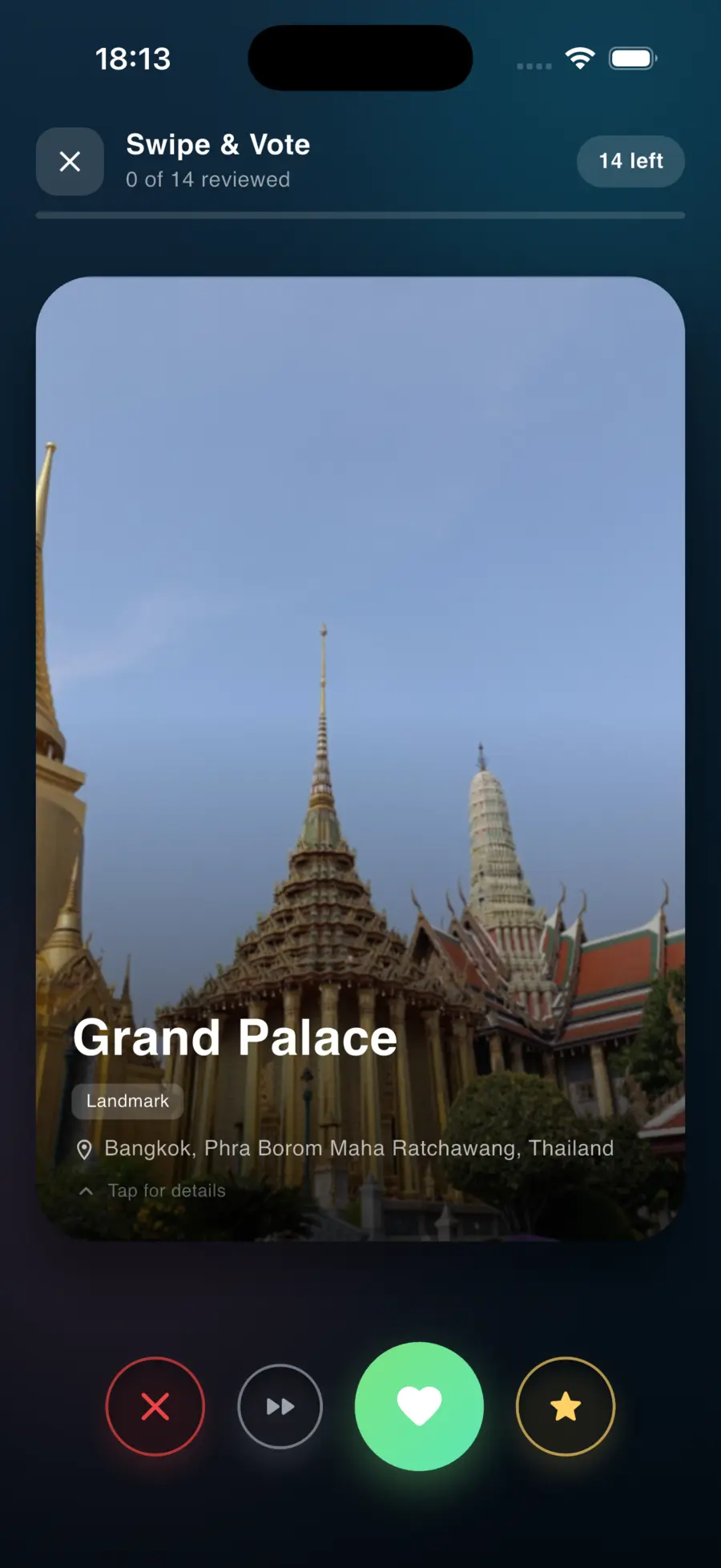
Vote Together
Everyone votes on their favorite places. The best options rise to the top automatically.
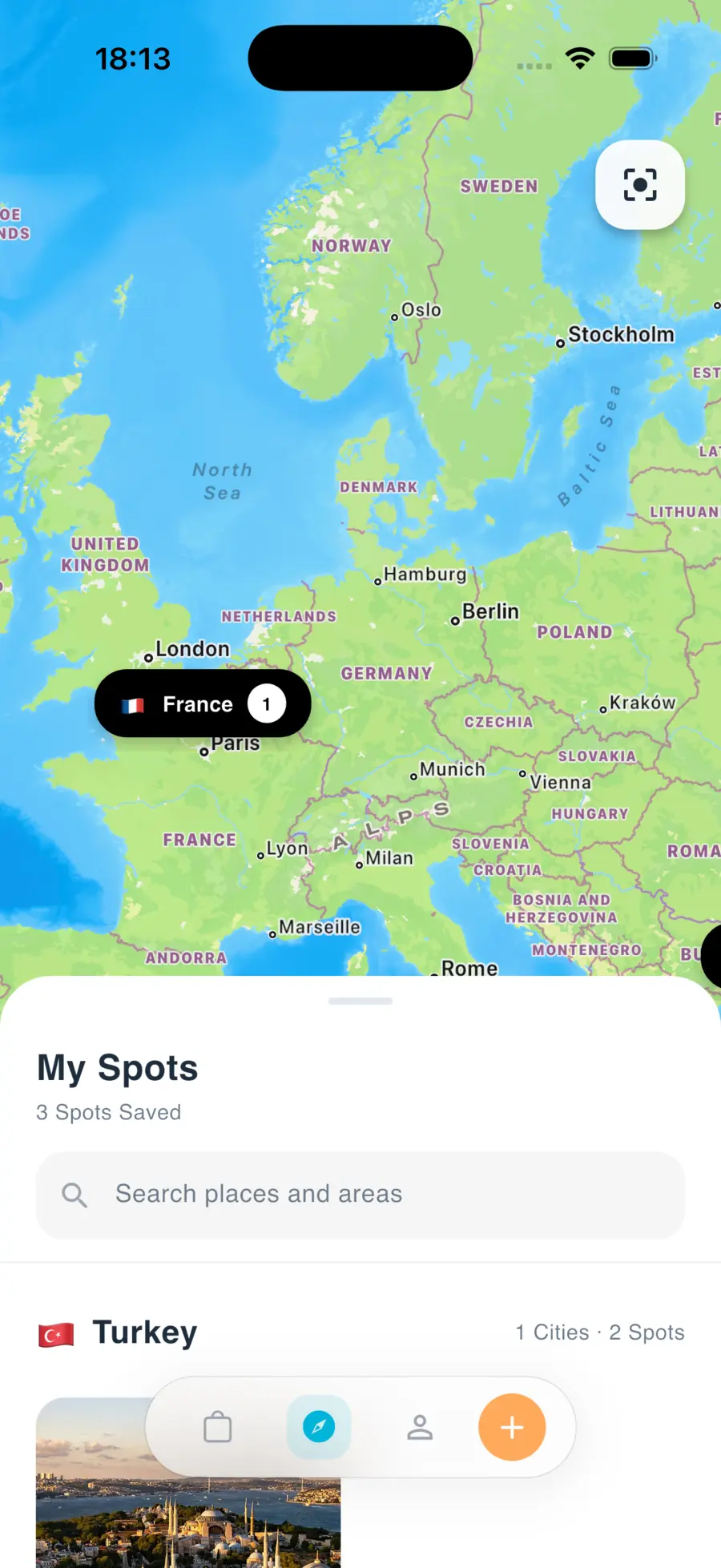
Explore the Map
See every saved place pinned on a beautiful interactive map. Your entire trip, visualized.
Built for how friends actually plan trips
Everything you need from the first saved place to the final itinerary.
Collaborative Trip Planning
Plan trips together with shared lists and real-time group editing. Everyone stays in sync.
Import From Social Media
Paste a TikTok or Instagram link and Routely automatically extracts the place for you.
Group Voting
Everyone votes on their favorite places. The best options rise to the top automatically.
Visual Map View
See every saved place pinned on a clean interactive map. Your entire trip, visualized.

Your next trip starts here
Download Routely and start planning your next adventure with friends.